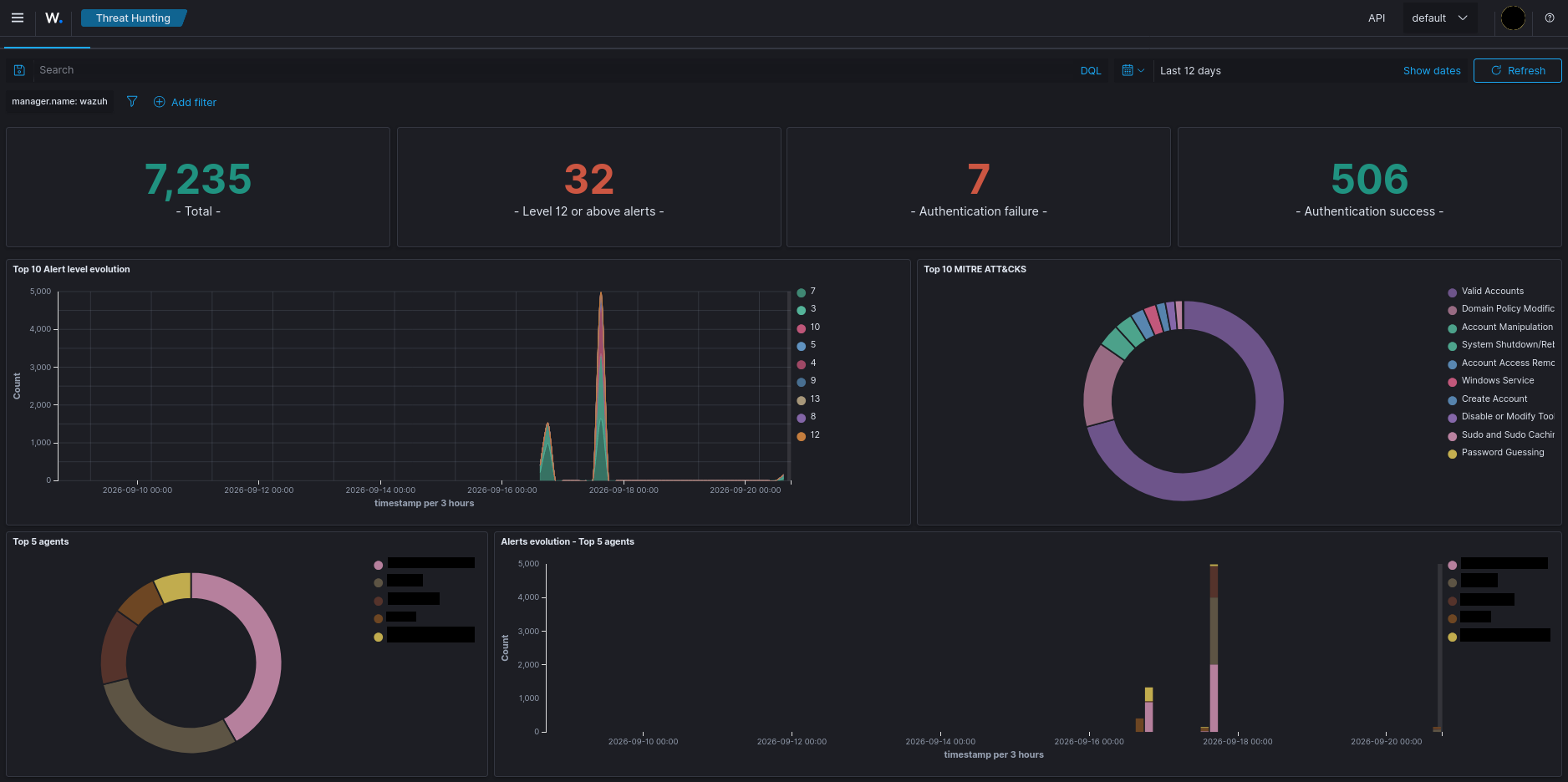
Building an isolated lab where I attack a Windows domain and then go read what the logs have to say about it.
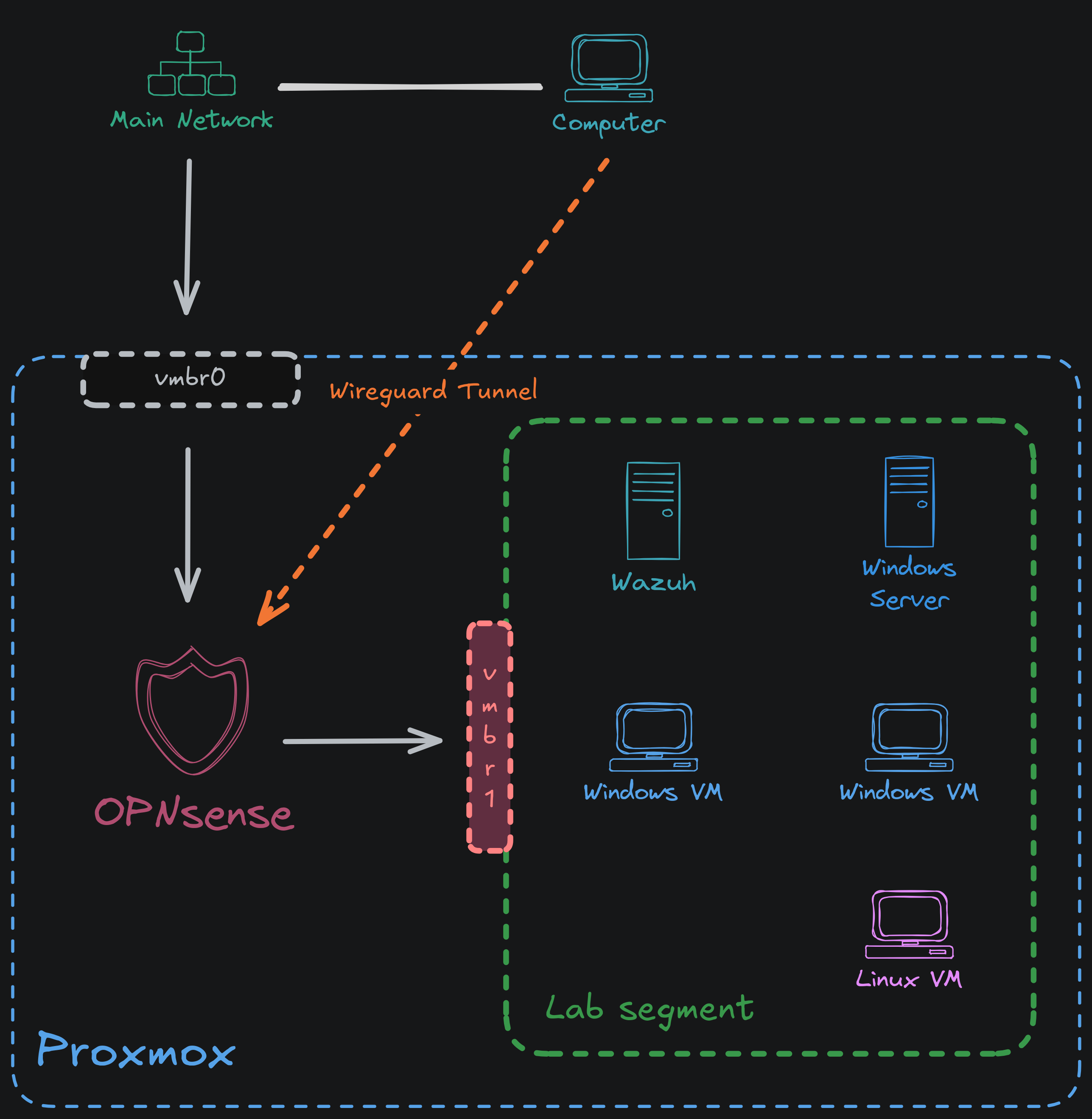
I wanted a place where I can break stuff but without it impacting my main network. What I ended up building was an isolated environment in a proxmox box. I wanted this to have all the functionalities such as an active directory with 2 machines, a linux client, a SIEM and also a separate router where I can isolate it even more with VLANs. I also wanted to build a VPN endpoint which allows me to access this isolated setup without wiring it into my main network.
This discusses how I created it and what problems I faced.
Architecture diagram
Things to consider
This setup requires some amount of hardware resources to work properly. I recommend at least 24GBs of Ram and a multi core processor. And it draws some amount of power so if you care about the power consumption I advise you to check that as well.
What’s in it
- OPNsense: This is the firewall which isolates the two networks and also allows VPN and Vlan access (Actually you can also use PFSense or another firewall solution. I just like OPNsense)
- Wazuh: This is the SIEM solution I selected. It is easy on resources and gets the job done. (Runs on a proxmox lxc)
- Windows Server 2025: This is the domain controller
- Windows 10: Clients of the active directory and also Wazuh (Went EOL in 2025. Using it anyway since this is an isolated lab environment)
- Linux: Client of Wazuh
The isolation
Why?
I needed something that if I detonate something, I can be sure it doesn’t reach my main network’s devices.
How I did it
I created two bridges in Proxmox. One being Proxmox’s normal default bridge vmbr0 with the NIC attached and another I created vmbr1 without any physical ports attached.
Creating the bridge was as easy as going to Datacenter -> Node -> System -> Network -> Create -> Linux bridge and not selecting any bridge ports. No IP address either.
This way, every VM attaches to vmbr1, with OPNsense as its gateway.
OPNsense as the separator
OPNsense gets two NICs:
- WAN on
vmbr0, So it can pull updates and give isolated LAN internet access - LAN on
vmbr1, where it serves DHCP and acts as a gateway
Outbound from lab to main network is blocked by an explicit firewall rule. I verified it both ways, ICMP and HTTP, and neither reaches anything on my main LAN. The only traffic crossing is the dashboard ports I forwarded inward.
So this lab is isolated at layer 2 from my main network, but not in a strictly air-gapped way. Traffic can leave. It has to go through the firewall I control which I can monitor and filter. I just want to be honest about it rather than claiming it is air-gapped and totally secure. If for some reason I need to isolate it completely air-gapped, I can always pull WAN from OPNsense so it is completely isolated and air-gapped.
Wazuh
Server
This is a open source XDR and SIEM. It’s free and light enough for a handful of agents, though the indexer is OpenSearch under the hood so give it at least 4GB. So I selected it as my SIEM for this lab. It is easier to install since their website contains a guide on how to install all the components it needed like Dashboard, Indexer and Server. I just added their repository to the lxc’s apt package manager.
And they also suggest disabling the updates so it guarantees compatibility between the manager and agent which I also did and was easy.
Agent
This is easier as well. Once manager is installed,there is a button to enroll new agents. All I had to do was enter the manager IP address and name for the agent. Once it is filled, it gives me a command to copy and paste.
The agent can also be installed easily through their website. All it needs is the server’s IP address and it automatically generates the key for it.
Further Information
Wazuh also has a cool cli based control interface which you can use to manage clients and create keys for agents as well.
What it shows
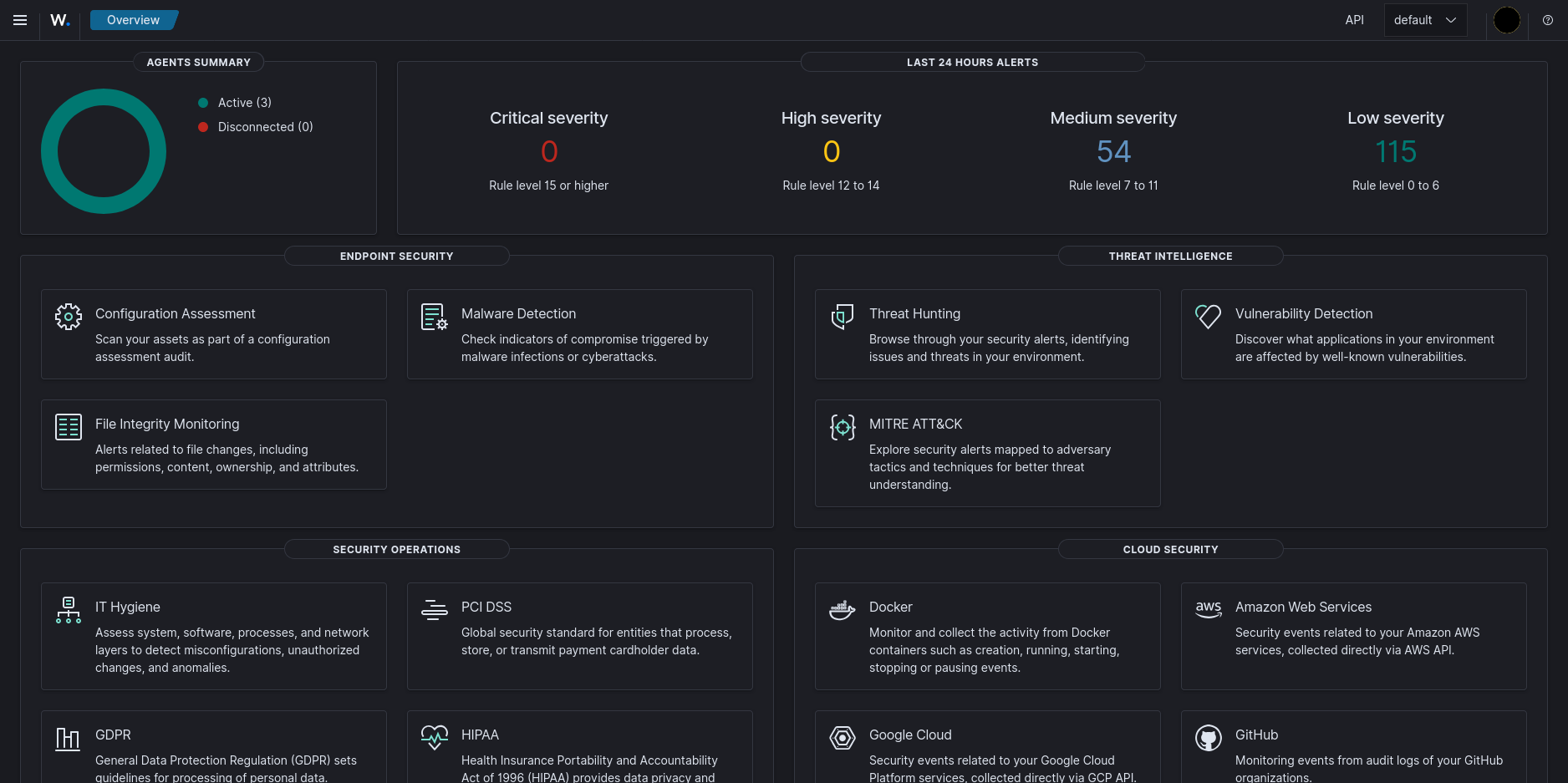
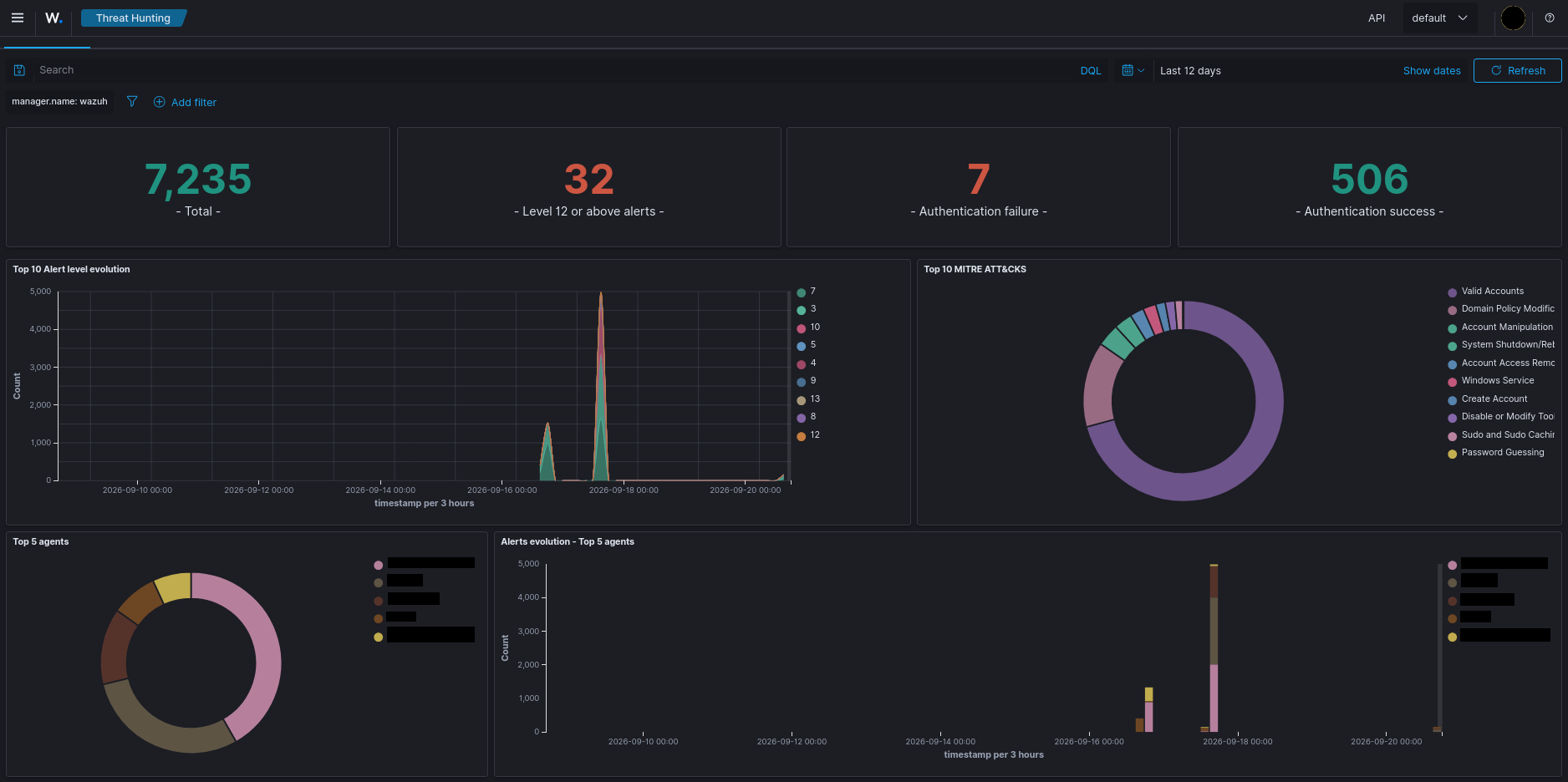
Wazuh shows all the vulnerabilities, compliance, best practices and many more insights of the machines it has connected just like any other SIEM which I find very cool.
Just make sure to enable dark mode once you install it from the settings.
Active directory
This is pretty standard setup. Once I create a active directory on the Windows server 2025, I pointed DNS to Windows server in each client and simply enrolled the Windows 10 VMs to the AD by using sysdm.cpl.
VPN
This was pretty easy to do as well. I created a wireguard tunnel from OPNsense allowing devices in the main network to securely access the isolated environment. I just did this so I can easily use machines that sits on main network to do pentesting or scanning inside isolated environment instead of building everything from scratch in a new machine inside the isolated environment.
Port forwarding
I port forwarded some dashboards such as Wazuh to view them easily from main network. This was also make life easier because I don’t need to access the dashboard through another machine inside the isolated environment. I can easily reach it from my main network.
Going further
- With this setup I can easily extend the functionality of this to another level by creating VLANs for other stuff.
- Custom Grafana dashboards can also be created to view certain stuff (Will update the post on how to do it).
- Suricata or Snort can also be installed for detecting scans and stuff.
All in all, I feel this setup is pretty simple and easy to create with room to extend and also with customization for whatever you need.
Thanks for reading! Hope you got some inputs for your lab build.
Last edited on 18 September 2026